

AUTOMATIC SYSTEMS · DUAL-SIDE LABELING
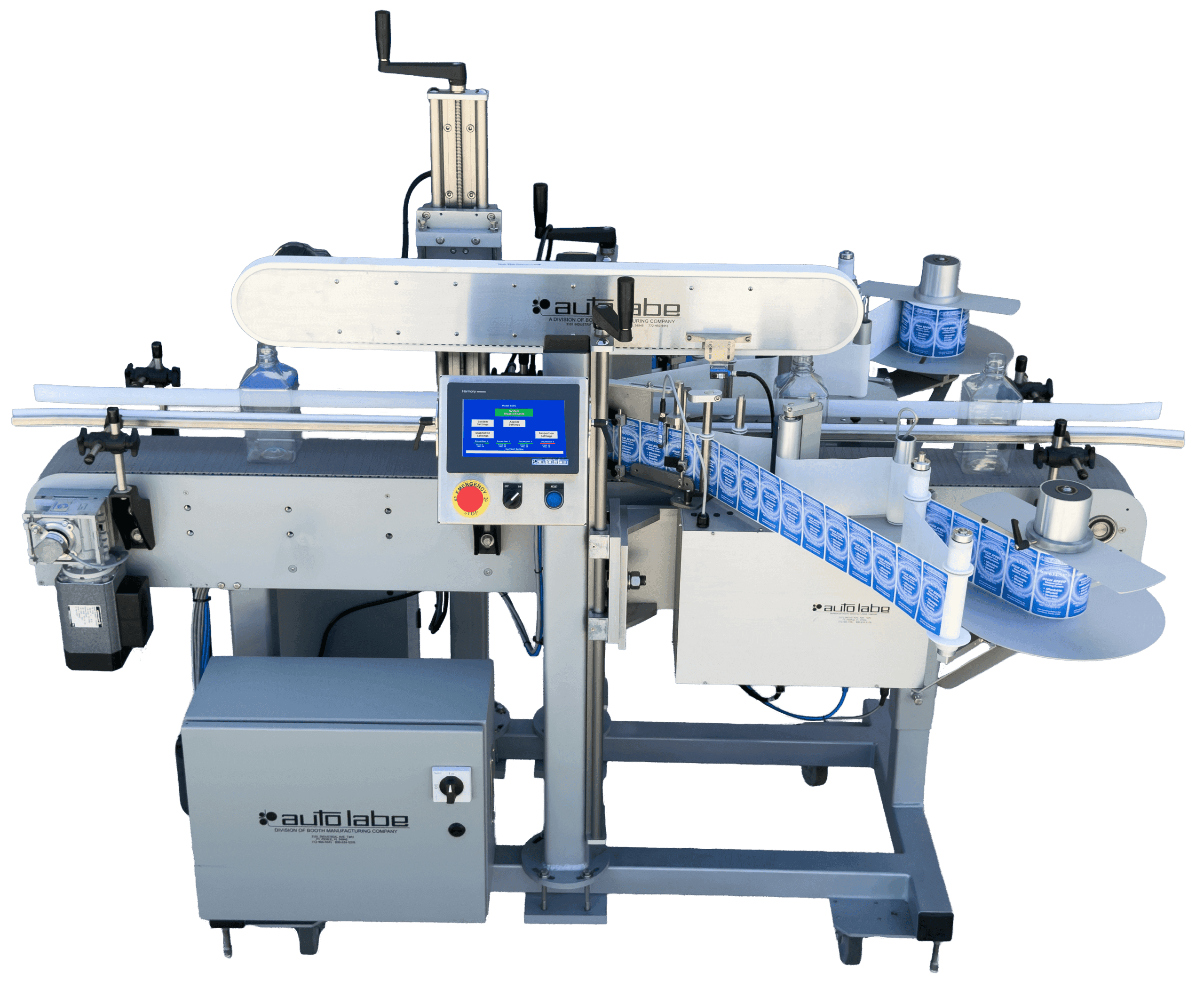
Apply separate labels to two sides of square or rectangular products in one automatic conveyor system. The bottle configuration shown includes an optional top hold-down for products that need added stability.
THE SYSTEM
The Auto Labe 640S applies separate pressure-sensitive labels to two sides of square or rectangular products, including flat-sided bottles and containers. Two applicators work with conveyor transport and touchscreen controls to support front and back labeling in one pass.
Each applicator feeds its own label, allowing different artwork, sizes, or information on each side. The system photograph shows front and back bottle labeling with an optional top hold-down to help stabilize the product during application.
Product guides, applicator positions, and optional handling equipment are selected around your product and labeling surfaces. A top hold-down can be added when extra stability is needed; it is not required for every application.
BUILT AROUND YOUR PRODUCT
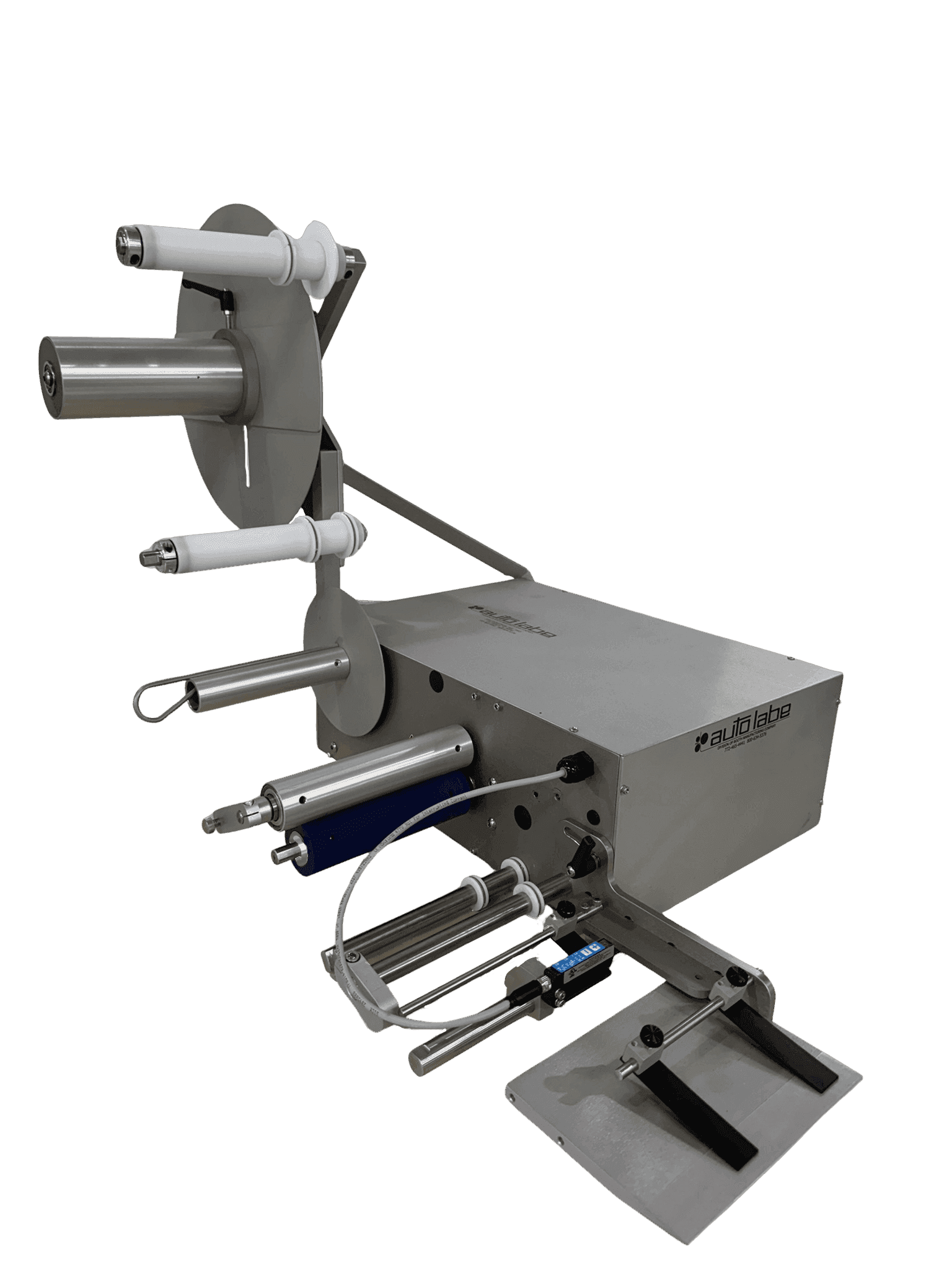
Your product is the starting point. At Auto Labe, we work with you to understand what you’re labeling, how your production process operates, and what you need the equipment to accomplish. From tabletop and semi-automatic machines to fully automatic systems, we can adapt equipment and explore custom configurations to suit your application.
That may mean adjusting product guides, developing dedicated fixtures, changing label applicator positions, or incorporating additional product handling and coding equipment. Our goal is to make labeling work for your product and your team, while considering available space, production requirements, and the way operators will use the machine.
Share your product samples, label requirements, and production challenges. We’ll review the application with you and help determine whether a standard machine, a modified configuration, or a custom system is the right approach.
Discuss Your ApplicationAT A GLANCE
PRIMARY APPLICATION
Two Sides / Front + Back
OPTIONAL STABILITY
Top Hold-Down
LABEL APPLICATORS
Two Label Applicators
PRODUCT SHAPES
Square / Rectangular
HOW THE SYSTEM WORKS
The conveyor carries the square or rectangular product into the labeling area, with guides adjusted for its shape and size.
Guides help maintain alignment. An optional top hold-down can provide added stability for products that need it.
Two applicators place separate labels on the selected surfaces, such as the front and back of a flat-sided container.
The product leaves with both labels applied, ready for the next production step.
PRODUCT CONTROL
Conveyor transport, adjustable guides, and applicator positioning bring the product and labels together. Optional handling equipment is selected for the product’s shape, weight, and stability needs.
For products needing added stability, an overhead belt applies light downward pressure to help reduce tipping or shifting during labeling.
Each applicator feeds its own label, supporting different designs, sizes, or information on the two labeling surfaces.
Adjustable mounts position each applicator for the required label height and placement on the product.
Guide rails are adjusted for the square or rectangular product to help maintain alignment through the labeling area.
The HMI brings system and applicator settings together for setup, operation, and product changes.
Product spacing, alignment, and stability needs guide the handling setup. Optional equipment is reviewed for your application.
FRONT & BACK LABELING
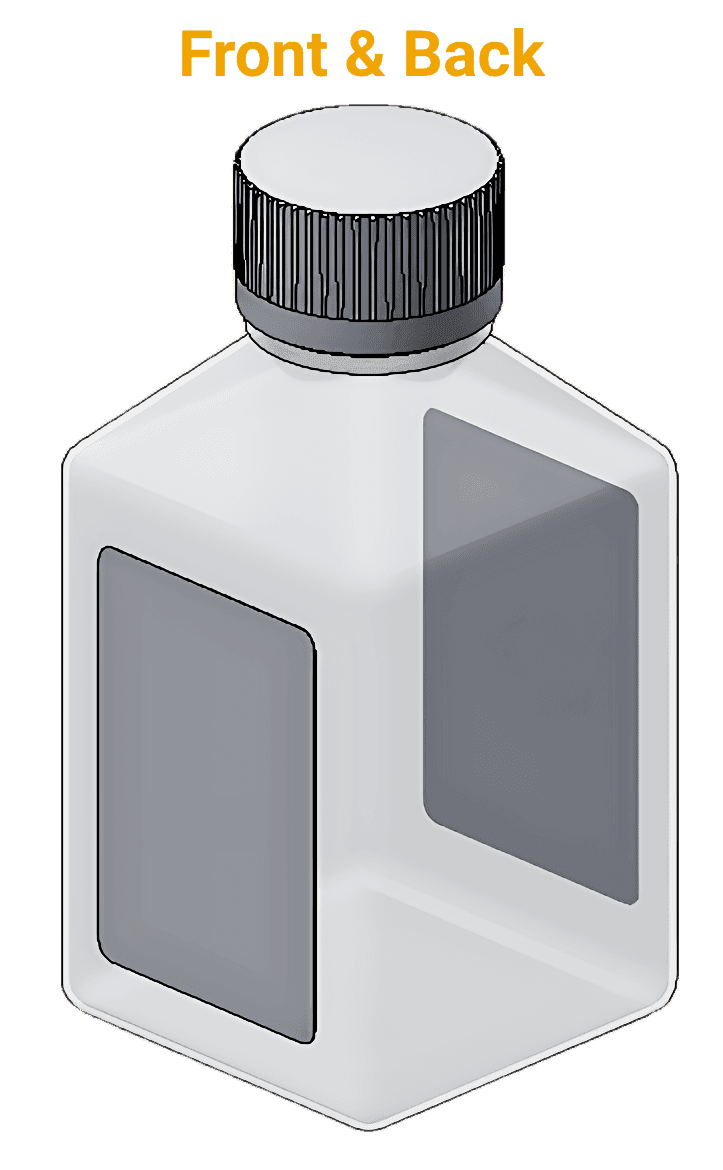
Front and back labels on a rectangular bottle illustrate one 640S application. Label dimensions and placement are selected for the product’s available surfaces. Our team reviews the container’s stability to determine whether an optional top hold-down is needed.
BUILT TO CONFIGURE
Square and rectangular products provide surfaces for separate side labels. Your product dimensions, label sizes, placement requirements, and production rate guide the final 640S configuration.
■ Independent Labels: Use one label for branding and a separate label for ingredients, directions, or other product information. Label sizes and placement are reviewed for the available surfaces.
■ Product Fit: Match the conveyor, guides, and applicator positions to the square or rectangular product and its labeling surfaces.
■ Optional Top Hold-Down: Add an overhead belt when the product needs extra stability during labeling. The belt runs with the conveyor to help reduce tipping or shifting. This accessory is shown in the system photograph.
■ Application Review: Provide product samples, dimensions, label sizes, and required output. Include whether containers are labeled empty or filled so we can review stability and handling needs.
■ Optional Coding: Ask about an Open Date hot-foil imprinter for compatible wipe-on applicator configurations when a label needs batch, lot, expiry, or use-by information.
SYSTEM SPECS
Each 640S is configured around the product, its front and back label placements, production speed, and required changeover range.
ELECTRICAL
110/120 VAC, 1-ph, 60 Hz, 15 A (10 A breaker)
LABEL ROLL
12 in. O.D. roll with 3 in. I.D. core
110S LABEL / WEB LIMITS
Minimum label: 1/2 in. W × 1 in. L; maximum length: 16 in.; maximum web width: 6.5 in.
PLATFORM CONVEYOR SPEED
Up to 150 ft/min; actual speed depends on product and configuration
SOUND LEVEL
75 dB maximum
OPERATING HUMIDITY
15–90% RH, non-condensing
SEE IT RUN
See how the 640S applies separate labels to two sides of square and rectangular products, with handling equipment selected for the application.

Not sure which application method fits your product?
Talk With Our Labeling TeamOPTIONAL IN-LINE CODING
For date-sensitive products, an Open Date hot-foil imprinter can add batch, lot, expiry, or use-by information to a label before application on compatible wipe-on setups. Specify which label requires coding when discussing your 640S configuration. This is an optional accessory, not standard equipment on every system.
SEE IT RUN
Choose an application to see how the 640S applies labels across different product shapes.
Not sure which application method fits your product?
Talk With Our Labeling TeamOPTIONAL CODING DETAILS
PRODUCTION CODES
Batch, Lot, Expiry + Use-By
DIGITAL CONTROL
Digi-60 Temperature + Dwell
FOIL CAPACITY
600 ft Roll
HOT-FOIL OUTPUT
Clear, Dry + Non-Toxic
EXPLORE MORE
Front and back labeling for oval and curved containers, with product handling selected for the application.
View the 680SSeparate top and bottom labels for products that need labeling on upper and lower surfaces.
View the 630SLET'S TALK LABELING
Share your square or rectangular product samples, label sizes, placement requirements, and target output. We’ll review the application with you and configure the 640S, including any optional stabilization equipment, around your production needs.
